Standout products from the articles, the ones the write-ups ranked highest in each hub.
Disclosure: When you buy through links on Tech From Alex
we may earn an affiliate commission, at no extra cost to you. As an Amazon Associate, Tech From Alex earns from
qualifying purchases. Commissions never shape our verdicts. We review the good and the bad, and we say so when
something isn't worth your money.
Desk & monitors
Rain Design
Rain Design mStand Laptop Stand (Silver)
4.8
Rain Design confirms fit for every MacBook size, and it has held a near-perfect 4.8-star average for over a decade because a solid aluminum wedge simply does not wear out. iMore called it an instant fix for bad work posture.
Dell UltraSharp U4025QW 40 Inch Curved Thunderbolt Hub Monitor
4.6
RTINGS' review crowns it an excellent work monitor thanks to the IPS Black contrast, pixel density, and the full docking hub, and Amazon owners agree at 4.5 stars, with one four-month reviewer saying they would not trade it for anything. The price and merely average HDR are the documented drawbacks.
KOORUI 24 Inch Gaming Monitor 144Hz FHD IPS (E2411K)
4.4
A monitor is the bottleneck when your hardware is fine but everything still looks choppy: if Task Manager shows low CPU/GPU/disk load yet scrolling and cursor motion feel juddery, or your GPU renders 100+ fps that a 60Hz panel throws away, this $90 panel is the fix. Skip it if you already run 120Hz or higher, since it speeds up nothing inside the case.
At 4.6 stars across more than 4,000 Amazon ratings, this is the rare budget monitor with almost no catch: DisplayNinja calls it an ideal budget pick for office work thanks to the IPS panel and 75Hz refresh. The stand and 1080p resolution are the honest tradeoffs versus the mid tier.
RTINGS and PCWorld both land on the same verdict as the 7,000+ Amazon reviewers at 4.4 stars: affordable 4K and USB-C convenience with sacrifices in contrast and refresh that matter less for office work. It is the anchor purchase of the mid tier.
Nothing else transforms an aging desktop like moving the OS to NVMe, and reviewers upgrading old machines say exactly that. You can tell storage is your bottleneck when Task Manager's Performance tab shows Disk pinned at 100% active time with transfer rates in the low tens of MB/s during boot and app launches; skip it if you already boot from any SSD and disk sits near 0% at idle.
At $364.99 (Amazon's Choice and the #2 best seller in NAS devices) with a 4.6-star average across 229 ratings, the DS225+ wins on software: buyers consistently praise how easy DSM makes setup, backups, and Plex. Its launch-era Synology-only drive lock was the loudest complaint, but reviewers confirm DSM 7.3 restored third-party Seagate/WD/Toshiba support.
With 629 ratings at 4.5 stars, this is the most-reviewed unit here, and buyers consistently praise 10GbE speed, build quality, and 30-minute setup. The $656.99 price buys hardware that rivals charge four figures for, but budget for drives on top and expect RAID to eat some raw capacity.
Crucial BX500 1TB 3D NAND SATA 2.5-Inch SSD (CT1000BX500SSD1)
4.7
The same 100%-disk-active-time Task Manager signal applies; if your board predates M.2 (roughly pre-2016), this is your version of the number one upgrade, and its six-figure review count is mostly people doing exactly this swap. Skip it if your board has an M.2 slot, because NVMe now costs about the same.
Asustor Drivestor 2 Gen 2 AS1202T 2-Bay NAS (Diskless)
4.6
At $199.99 it undercuts the Synology by almost $140 while keeping 2.5GbE and Btrfs snapshots, and its early Amazon rating is a strong 4.6 stars (23 ratings). The trade-off buyers and reviewers flag most is the fixed 1 GB of RAM, which caps how many apps it can juggle.
This is the adapter piece most people get wrong: with roughly 45,000 ratings it is the proven way to turn a USB-C port into a genuine 4K60 HDMI output for the near TV, or to feed the OREI transmitter from a USB-C-only laptop. Verify your port does DP Alt Mode first, which is the number-one complaint in negative reviews.
It is the classic cheap-and-reliable travel hub: 4.6 stars across 28,406 ratings with MacBook Air/Pro named right in the listing title. The 4K30 HDMI limit is its one real compromise, which is why it complements rather than replaces a desk dock.
UGREEN Revodok Pro 210 USB-C Docking Station (10-in-1)
4.5
At ~$40 with 3,304 reviews at 4.5 stars, Macworld calls it solid value with reliable dual-display performance. The trade-offs are plain USB-C bandwidth and the macOS dual-extended-display limit on base M-series chips.
The most complete consumer 4x4 we found: full 4K@60Hz 4:4:4 with 4K-to-1080p downscaling on any two of its four outputs, so a 1080p TV and a 4K TV can run off the same matrix.
Wirecutter named it the best Thunderbolt dock and XDA scored it 9/10; the built-in dual HDMI and 100W charging make it the easiest dual-monitor setup at the price. You trade away a second downstream Thunderbolt port and 2.5GbE for the savings.
VELCRO Brand ONE-WRAP Cable Ties, 100 Pack, 8 x 1/2 in
4.7
The workhorse of the routing step: every cable gets its slack folded and wrapped before it goes into the tray, and at roughly ten cents a tie you can redo bundles endlessly, which is exactly why reviewers say these look and work better than zip ties. Buy once, reuse forever.
OHill Cable Clips, 16 Pack Adhesive Cord Organizer Clips, Black
4.4
These cover the last-mile routing the tray cannot: guiding individual cables along the desk underside and holding the chargers you unplug daily at the desk edge. With 80,000+ ratings they are the default pick in this category; stick them to clean, non-porous spots to protect the finish.
HDMI extenders and wireless kits ship without the short HDMI cables they need on each end, which is the classic day-one showstopper in this project; this three-pack covers both hops plus a spare for the loop-out. Genuinely skippable only if you already have short spare HDMI cables.
JOTO Cable Management Sleeve, 4 Pack, 19-20 in Zipper Sleeves
4.6
This handles the finish step: after the tray and strip consolidate everything, the power cord plus any floor-bound cables (ethernet, speaker wire) zip into one tidy black trunk for the desk-to-wall run. Reviewers call it the quickest visual upgrade in the whole cleanup.
Cable Matters Intel-Certified Active Thunderbolt 4 Cable, 6.6 ft
4.5
Certified cables are the difference between a monitor that works and one that flickers; this one is listed in Intel's Thunderbolt community directory and holds 4.5 stars on Amazon. At 2 m it solves the too-short-stock-cable problem every dock owner hits.
Amazon's Choice with a 4.8-star average; Anker's listing and spec sheet explicitly cover MacBook Air and MacBook Pro charging over USB-C PD, which is exactly the protocol every M4 MacBook charges with. Reviewers consistently praise the size-to-wattage ratio.
With 4.8 stars across nearly 11,000 Amazon ratings, it's the highest-rated charger in this roundup; reviewers consistently cite the marshmallow-sized form factor as the reason they carry it daily, though several note 30W only trickle-charges a MacBook Air rather than fast-charging it.
Amazon buyers hold it at 4.6 stars across tens of thousands of ratings, and 2026 re-reviews still conclude it beats most built-in cameras for around $70. The known weakness is autofocus hunting when you gesture, which reviewers flag but live with at this price.
The Link 2 family holds 4.5 to 4.6 stars across more than a thousand Amazon ratings, and 2026 roundups repeatedly name the Link 2 line the webcam to beat for its sensor size, tracking, and audio. It is the piece that visibly separates the premium tier on video calls.
It is the business version of Logitech's well-reviewed Brio 500, rated around 4.3 stars by Amazon buyers, and reviewers like futurework.blog rate the light correction and Show Mode as the practical wins over older 1080p cams. The honest note: resolution is unchanged from the budget pick, so skip it if your lighting is already good.
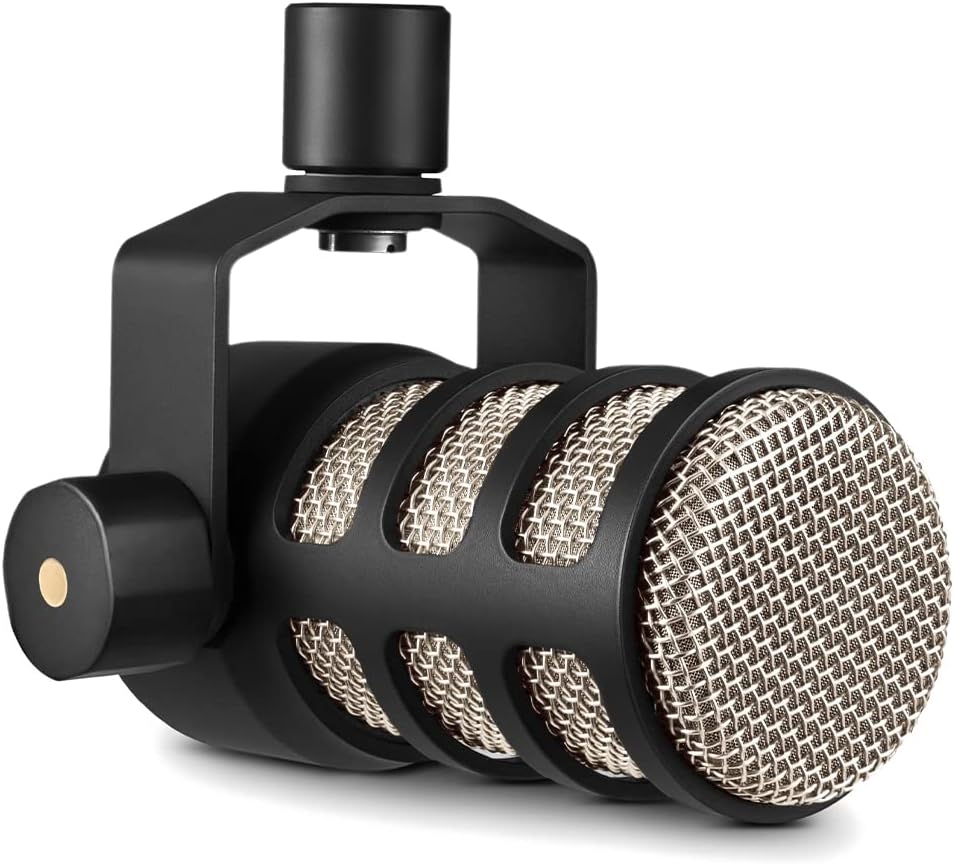
The consensus premium USB pick across MusicRadar, SoundGuys, and Tom's Guide in 2026: dynamic rejection of room noise plus auto-leveling DSP makes it the mic that fixes bad rooms instead of exposing them. $279 is real money, but it is the last mic most buyers purchase.
This is the switch to buy if your ISP plan and devices top out at gigabit anyway; at roughly 22 dollars it is the cheapest reliable way to add ports, and its 4.7-star rating across 53,000-plus reviews reflects how bulletproof the plug-and-play unmanaged design has proven to be. It will not, however, get NAS or mesh gear past 1Gbps, which is the whole reason to consider the 2.5GbE picks below instead.
For under 30 dollars this gets you the one feature unmanaged switches cannot offer, the ability to separate traffic with VLANs and prioritize it with QoS, through a web interface simple enough that reviewers consistently call it approachable rather than intimidating. It is still gigabit-only, so it is the answer to 'unmanaged vs managed,' not to the 2.5GbE speed question the NAS and mesh articles are missing.
This is the pick for anyone whose mesh nodes or cameras support PoE and want to drop the wall-wart clutter, 123W across 8 ports covers a handful of access points with room to spare, and the per-port power readout in the web UI takes the guesswork out of budgeting. It stays at gigabit speeds though, so treat it as the PoE answer alongside, not instead of, one of the 2.5GbE switches above if the goal is also breaking the 1Gbps ceiling.
This is the switch that actually answers the 2.5GbE question: eight full 2.5G ports for under 60 dollars, reusing the Cat5e already in the walls, which is why it is TP-Link's best-selling switch in this class. It runs a bit warmer than a plain gigabit unit under sustained load and skips any management features, but for a home network where the NAS and a mesh node both want more than 1Gbps, it is the straightforward fix.
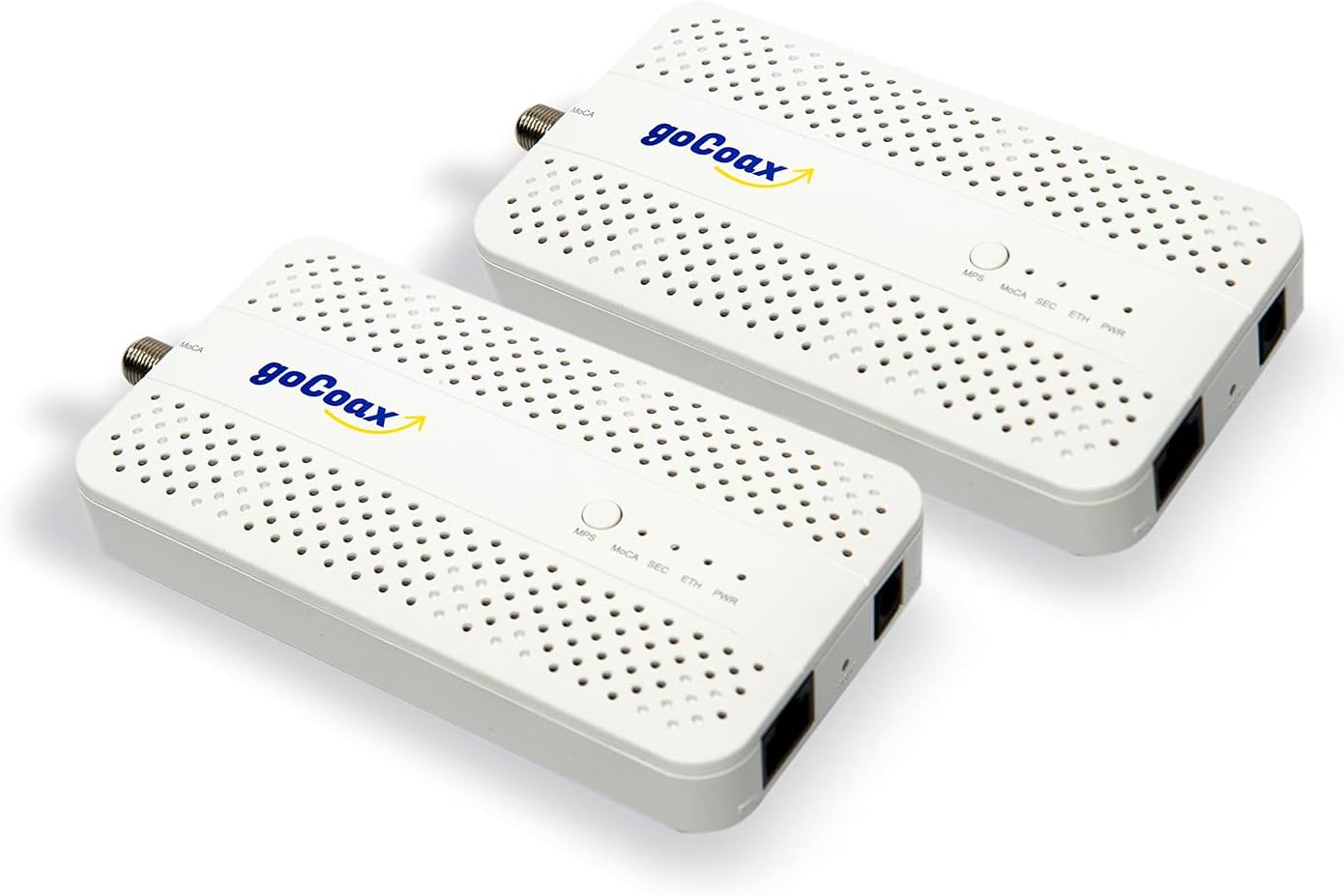
MoCA rides the home's shielded coax instead of noisy electrical wiring, so it holds much closer to its rated speed than powerline once a MoCA-compatible splitter and PoE filter are in place; at roughly $120 for the pair it's a mid-tier spend that reviewers say delivers close to the full 2.5Gbps port rate in practice.
This is the machine the whole project is built around: its M4 efficiency lets it run server tasks near-silent 24/7; it does have a fan, but it rarely spins up audibly under light server loads. List price is $599 for 16GB/256GB, but Amazon has repeatedly discounted it to around $499 through 2026, so it's worth price-watching before buying. Reviewers consistently flag the 256GB SSD as too small for a server role once you're storing media or backups, which is exactly why this kit pairs it with external storage rather than relying on internal space.
The A15 chip and iPhone-based color calibration give it the best picture and snappiest UI here, but the June 2026 price increase to $199 for just 64GB has made it the priciest device in this roundup by a wide margin, and reviewers now weigh that premium against rivals that cover most of the same features for half the cost.
Amazon Fire TV Stick 4K Max (2nd Gen, AI-powered Fire TV Search)
4.7
At a $59.99 list price that regularly drops to $30 to $40 in sales, the 4K Max undercuts every other device here on price while still supporting Wi-Fi 6E and Dolby Vision; the tradeoff reviewers flag most often is overheating and throttling when it's crammed into a tight HDMI pocket behind the panel.
Amazon Fire TV Cube (3rd Gen, AI-powered Fire TV Search)
4.7
Its HDMI-in port is unique among current streaming devices and pairs naturally with an HDMI matrix setup, letting one Cube sit at the front of the chain; the tradeoffs are the $139.99 list price (though it's frequently on sale near $110) and an always-listening mic array that not every household wants.
The MX Master line is the default recommendation for Mac productivity mice, and the 4 for Mac is the current, in-stock Mac-specific model (the 3S for Mac listing is now marked unavailable on Amazon). Its listing explicitly targets MacBook Pro and MacBook Air with macOS-optimized software.
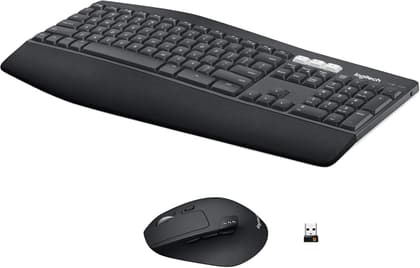
Logitech MK850 Performance Wireless Keyboard and Mouse Combo
4.1
Comfortable keyboard and mouse with advanced multi-device functionalities Experience next-level comfort and productivity with the MK850 Performance. Hyper-fast scrolling and a full-size keyboard help you get more done at your desk – and a cushioned palm rest, curved keyframe and contoured mouse let you power through in comfort. Type and switch seamlessly between your computer, tablet, and phone¹. And pair your mouse with up to 3 devices. The combo has been optimized for use with all your operating systems – including Windows, Mac, and Chrome. Quiet, comfortable typing for hours The full-size keyboard features carefully-crafted concave keys and a curved keyframe so you’re always in a natural typing position. Adjustable tilt legs give you the perfect typing angle and an oversized, cushioned palm rest offers the comfort you need to power through. Contoured mouse with hyperfast scroll wheel Fly through documents and web pages with the hyperfast scroll wheel and get more done with custom buttons. The large-sized, right-hand design fits comfortably in your palm – and rubber surface making it extra soft to the touch. Easy-switch keyboard and mouse Type and switch seamlessly between your computers, tablet, and phone. Then pair your mouse with up to 3 devices for the ultimate workspace. A true power combo Enable Logitech DuoLink through Options software to link your combo together for custom functionality and even smarter navigation. For example, hold the Fn key on your keyboard and c
Two 27-inch 5K Mac monitors head to head: USB-C 96W vs Thunderbolt 4 90W, P3 coverage, matte panels, KVM and daisy-chain, macOS scaling, and who should skip the Studio Display for which.
Belkin BoostCharge Pro 3-in-1 Qi2 stand review: 15W MagSafe phone pad, Watch and AirPods charging, StandBy tilt, street price near $61, and the reliability catch.
Logitech MX Brio review: 4K30 / 1080p60 webcam with Sony Starvis sensor, Logi Options+ fine controls, privacy shutter, and who should buy near $199 vs Facecam MK.2.
Fanless 5- and 8-port 2.5G desktop switches under a hundred dollars: TP-Link TL-SG105-M2, TL-SG108S-M2, and TRENDnet TEG-S350/S380 for desks, NAS, and ISP upgrades.