Standout products from the articles, the ones the write-ups ranked highest in each hub.
Disclosure: When you buy through links on Tech From Alex
we may earn an affiliate commission, at no extra cost to you. As an Amazon Associate, Tech From Alex earns from
qualifying purchases. Commissions never shape our verdicts. We review the good and the bad, and we say so when
something isn't worth your money.
Desk & monitors
Rain Design
Rain Design mStand Laptop Stand (Silver)
4.8
Rain Design confirms fit for every MacBook size, and it has held a near-perfect 4.8-star average for over a decade because a solid aluminum wedge simply does not wear out. iMore called it an instant fix for bad work posture.
Optional but cheap insurance for the finished desk: it lifts the laptop panel to the same eye line as the two mounted Dells so the third screen is actually usable, and the open aluminum frame helps cooling now that the laptop is driving three displays. At around $28 with a 4.8-star average over 48,000 ratings, the only recurring gripe is that its height is fixed; skip it entirely if you plan to work clamshell.
HUANUO Single Monitor Arm (Adjustable Desk Mount, 13-34")
4.6
This is the anchor of the kit: lifting the monitor off its stock stand is what actually clears the desk surface for a minimal look, and at 4.6 stars across 6,691 ratings it's one of the most-bought single arms on Amazon. Street price runs in the mid-$30s after Amazon's frequent 20-25% off coupons against a roughly $45 list price. Reviewers consistently flag under-tensioning out of the box as the one thing to check on day one.
USB 3.0 to SATA External Hard Drive Lay-Flat Docking Station (EC-DFLT)
4.4
This is the dock most burn-in guides default to: it takes a bare drive with zero tools, keeps SMART data and full sector access intact for badblocks/surface-scan tools, and street price has held steady around $30 for years, making it cheap insurance against a DOA drive before it's buried in a chassis. The main gotcha reviewers flag is the >4TB capacity-detection quirk, which is exactly the kind of thing you want to catch during burn-in rather than after the drive is racked.
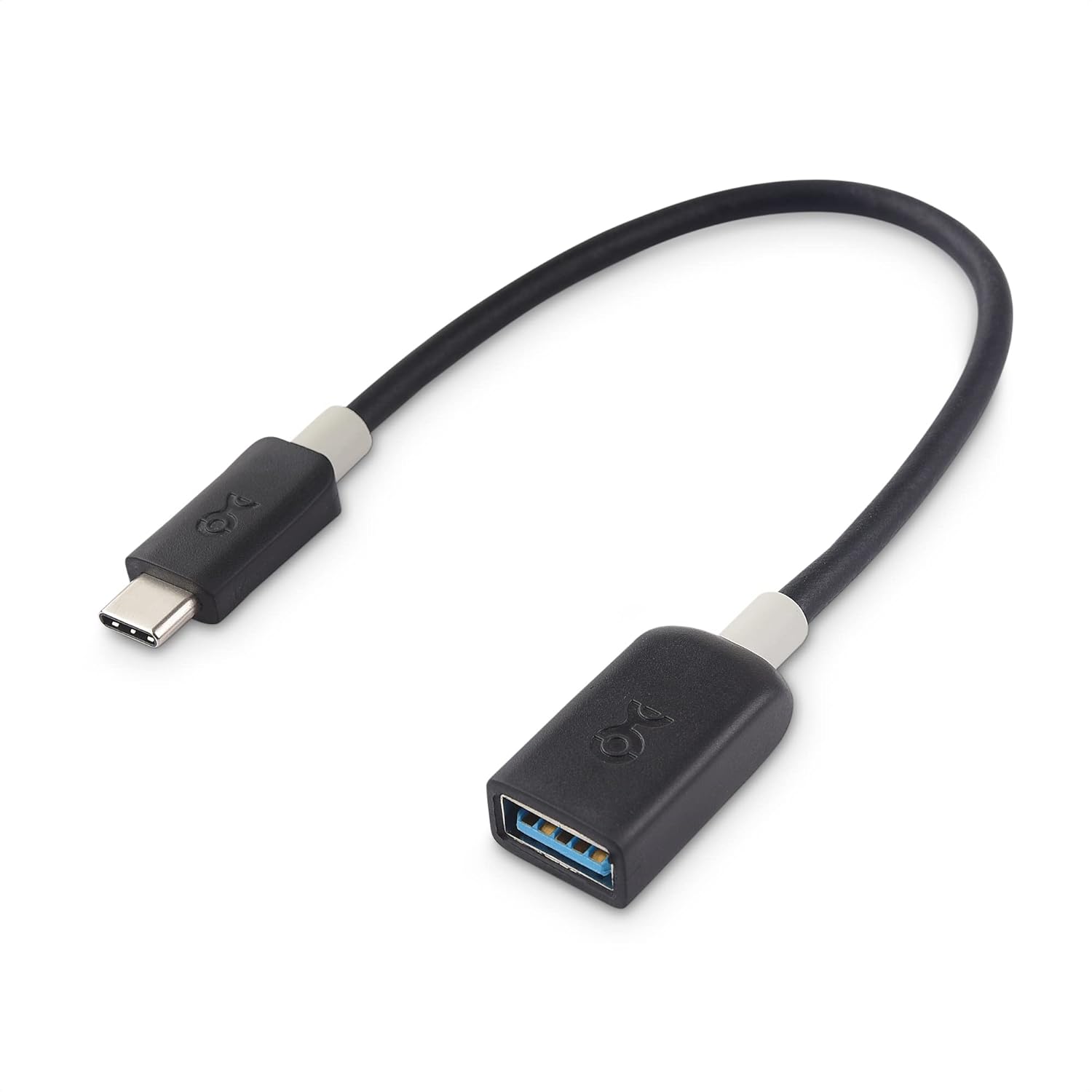
This is the adapter piece most people get wrong: with roughly 45,000 ratings it is the proven way to turn a USB-C port into a genuine 4K60 HDMI output for the near TV, or to feed the OREI transmitter from a USB-C-only laptop. Verify your port does DP Alt Mode first, which is the number-one complaint in negative reviews.
It is the classic cheap-and-reliable travel hub: 4.6 stars across 28,406 ratings with MacBook Air/Pro named right in the listing title. The 4K30 HDMI limit is its one real compromise, which is why it complements rather than replaces a desk dock.
UGREEN Revodok Pro 210 USB-C Docking Station (10-in-1)
4.5
At ~$40 with 3,304 reviews at 4.5 stars, Macworld calls it solid value with reliable dual-display performance. The trade-offs are plain USB-C bandwidth and the macOS dual-extended-display limit on base M-series chips.
UGREEN HDMI KVM Switch (1 Monitor, 2 Computers, 4K@60Hz, with Power Adapter)
4.2
The cheapest complete kit here: a single-monitor 4K@60Hz KVM that still bundles cables, a power adapter, and a controller, so there is nothing extra to buy.
VELCRO Brand ONE-WRAP Cable Ties, 100 Pack, 8 x 1/2 in
4.7
The workhorse of the routing step: every cable gets its slack folded and wrapped before it goes into the tray, and at roughly ten cents a tie you can redo bundles endlessly, which is exactly why reviewers say these look and work better than zip ties. Buy once, reuse forever.
OHill Cable Clips, 16 Pack Adhesive Cord Organizer Clips, Black
4.4
These cover the last-mile routing the tray cannot: guiding individual cables along the desk underside and holding the chargers you unplug daily at the desk edge. With 80,000+ ratings they are the default pick in this category; stick them to clean, non-porous spots to protect the finish.
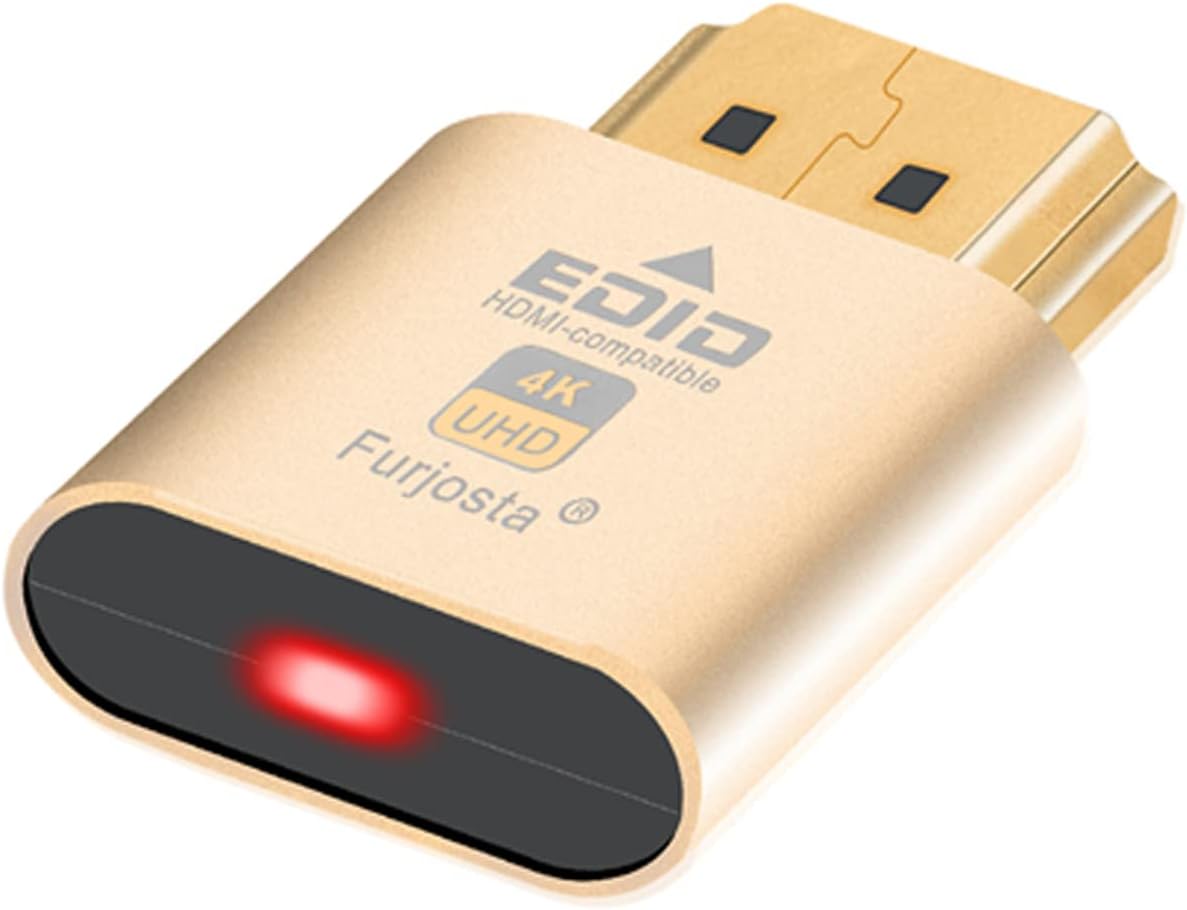
HDMI extenders and wireless kits ship without the short HDMI cables they need on each end, which is the classic day-one showstopper in this project; this three-pack covers both hops plus a spare for the loop-out. Genuinely skippable only if you already have short spare HDMI cables.
JOTO Cable Management Sleeve, 4 Pack, 19-20 in Zipper Sleeves
4.6
This handles the finish step: after the tray and strip consolidate everything, the power cord plus any floor-bound cables (ethernet, speaker wire) zip into one tidy black trunk for the desk-to-wall run. Reviewers call it the quickest visual upgrade in the whole cleanup.
Amazon's Choice with a 4.8-star average; Anker's listing and spec sheet explicitly cover MacBook Air and MacBook Pro charging over USB-C PD, which is exactly the protocol every M4 MacBook charges with. Reviewers consistently praise the size-to-wattage ratio.
With 4.8 stars across nearly 11,000 Amazon ratings, it's the highest-rated charger in this roundup; reviewers consistently cite the marshmallow-sized form factor as the reason they carry it daily, though several note 30W only trickle-charges a MacBook Air rather than fast-charging it.
Anker's GaN II stacked design is what lets this 65W dual-port charger match the footprint of an AirPods Pro case, and because it carries no battery it faces none of the airline lithium-battery carry-on limits that apply to power banks, unlike bulkier bricks from the pre-GaN era that buyers often cite as a reason they switched.
HyperX's successor to the original SoloCast: a 24-bit/96kHz cardioid condenser with an internal shock mount, a built-in pop filter and tap-to-mute. At $44.98 (25 percent off the $59.99 list, Amazon's Choice) it holds 4.6 stars across 844 ratings, and it lacks a headphone jack.
With roughly 31,000 Amazon ratings at 4.5 stars, the K669B is the internet's default answer to 'cheapest mic that actually sounds good.' Regular price is $30.99 and it frequently dips below that, which makes it an easy no-regret first mic for calls.
This is the switch to buy if your ISP plan and devices top out at gigabit anyway; at roughly 22 dollars it is the cheapest reliable way to add ports, and its 4.7-star rating across 53,000-plus reviews reflects how bulletproof the plug-and-play unmanaged design has proven to be. It will not, however, get NAS or mesh gear past 1Gbps, which is the whole reason to consider the 2.5GbE picks below instead.
For under 30 dollars this gets you the one feature unmanaged switches cannot offer, the ability to separate traffic with VLANs and prioritize it with QoS, through a web interface simple enough that reviewers consistently call it approachable rather than intimidating. It is still gigabit-only, so it is the answer to 'unmanaged vs managed,' not to the 2.5GbE speed question the NAS and mesh articles are missing.
ESR Rebound 360 Case with Pencil Holder for iPad Air 11-inch (M2/M3/M4, 4th/5th Gen)
4.6
At $36.99 with over 6,200 ratings this is a high-volume, well-reviewed pick, but its own product listing scopes Pencil compatibility to Pencil Pro and Pencil (USB-C) rather than the older Pencil (2nd gen), so 4th/5th gen owners should treat the holder as cover storage rather than a magnetic charging dock.
Two 27-inch 5K Mac monitors head to head: USB-C 96W vs Thunderbolt 4 90W, P3 coverage, matte panels, KVM and daisy-chain, macOS scaling, and who should skip the Studio Display for which.
Belkin BoostCharge Pro 3-in-1 Qi2 stand review: 15W MagSafe phone pad, Watch and AirPods charging, StandBy tilt, street price near $61, and the reliability catch.
Logitech MX Brio review: 4K30 / 1080p60 webcam with Sony Starvis sensor, Logi Options+ fine controls, privacy shutter, and who should buy near $199 vs Facecam MK.2.
Fanless 5- and 8-port 2.5G desktop switches under a hundred dollars: TP-Link TL-SG105-M2, TL-SG108S-M2, and TRENDnet TEG-S350/S380 for desks, NAS, and ISP upgrades.