

ADC
An analog-to-digital converter turns a mic or line signal into digital samples your DAW and computer can record.
279 reviews & guides.
An analog-to-digital converter turns a mic or line signal into digital samples your DAW and computer can record.

48V DC sent up an XLR mic cable so a condenser microphone can work without a separate battery pack on the mic.

Hinged laptop form factor, and Mac “clamshell mode,” where the lid stays closed while you use an external display, keyboard, and mouse.

Category 6 Ethernet: 250 MHz twisted-pair cable for 1 GbE to 100 m and 10 GbE on short runs, versus Cat5e and Cat6a.

DisplayPort Multi-Stream Transport: one DP output feeding multiple monitors through a hub or daisy-chain, versus a dual-4K Thunderbolt/USB4 dock with separate tunnels.

VESA's PC video link: DP 1.4 is 32.4 Gbps with DSC, HDMI is the TV plug, and a dummy plug fakes a monitor for a headless GPU.

DisplayPort Alt Mode remaps USB-C SuperSpeed pins to carry video, which is why a USB-C to HDMI cable works on some ports and stays dark on others.

The naming mess: Gen 1 is 5 Gbps, Gen 2 is 10 Gbps, Gen 2x2 is 20 Gbps. USB-C is the plug; USB 3.2 is the data spec, not USB4.

Four verified portable displays for travel work, from a sturdy 60W ViewSonic to three practical budget screens under $60.

Height to match an external display, solid vs folding frames, venting, and weight limits for using a laptop as a third screen on a dual-monitor desk.

Stable dual-motor frames, quiet lifts, real weight ratings, and which tops still fit a 27 inch monitor arm, verified on current Amazon US listings.

HDMI 2.1 is the 48Gbps cable and port generation that unlocks 4K120, VRR, eARC, and more. Here is who actually needs it, and who can stay on HDMI 2.0.

Empty USB-C cases for a spare NVMe stick, from an under $20 10Gbps tool-free shell to 40Gbps USB4 boxes that can hit 3,000 MB/s on the right port.

USB4 is the USB-IF spec that tunnels data, video, and PCIe over a USB-C plug, at 20 Gbps by default and 40 or 80 Gbps when the port, cable, and device all allow it.
Listings call it e-Marked or 5A: the tiny chip in a USB-C plug that tells the port the cable can carry more than the safe 3A / USB 2.0 default.
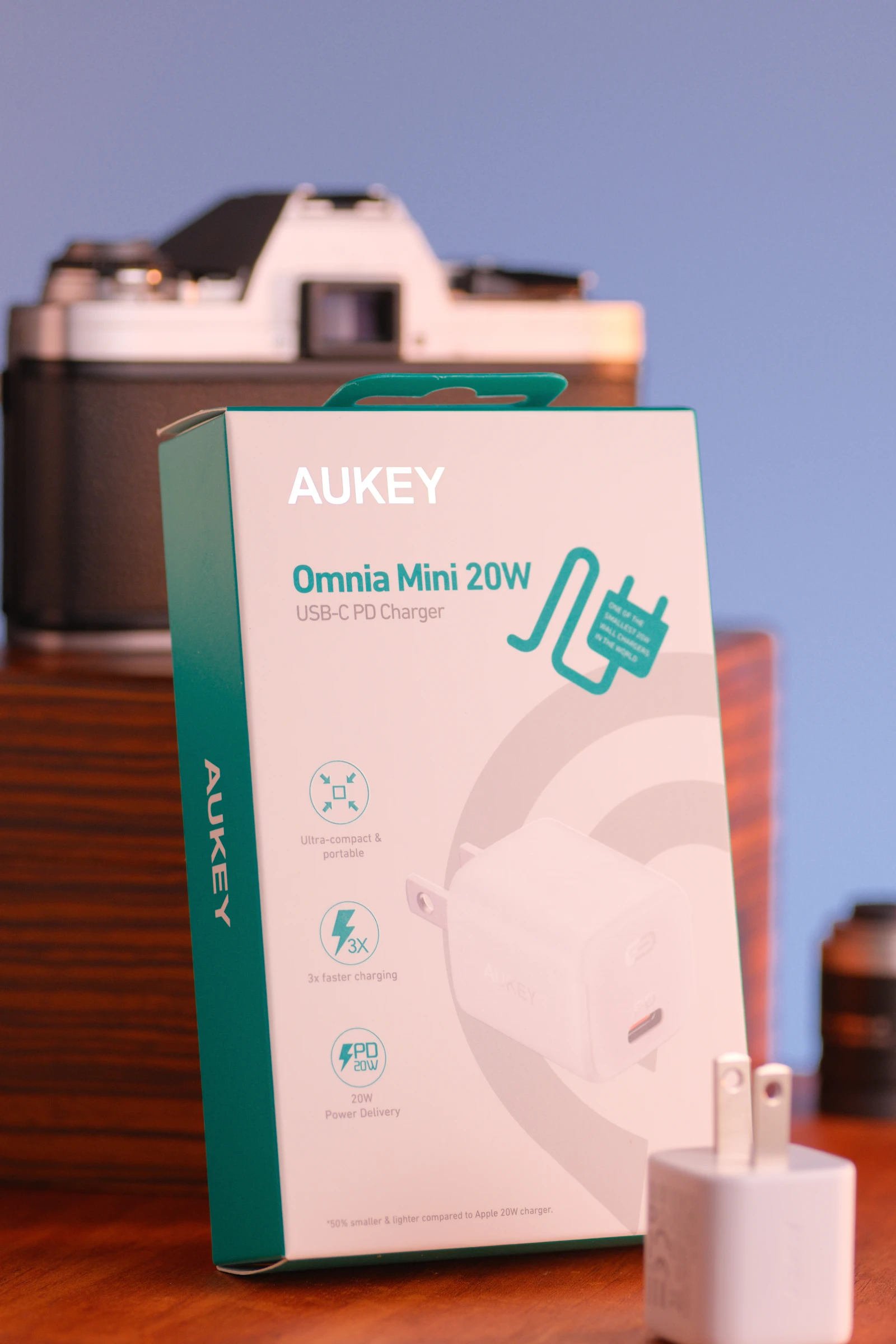
PPS is the USB-PD 3.0 trick that lets a phone ask for voltage in 20 mV steps, which is what Samsung Super Fast Charging and similar phone profiles actually use.

Intel-certified Thunderbolt 4 and USB4 40Gbps docks that actually drive dual 4K and charge a laptop at 90W or more, without the cheap USB-C hub compromises.

Intel's certified USB-C path: a controller plus a protocol, which is why a USB-C dock is not Thunderbolt.

Gallium nitride is the semiconductor that lets a USB-C charger pack laptop watts into a pocket cube instead of a silicon brick.

USB 3.2, USB4, and Thunderbolt pocket drives compared on the port you own, DRAM vs DRAM-less, and the write-speed drop after a few minutes.

A software-plus-chip path that turns USB into extra monitors, the usual fix when a Mac will not drive two independent displays from a plain USB-C dock.

USB Power Delivery is the handshake that lets a USB-C cable carry laptop-class wattage, if the brick, cable, and device all agree.

Shingled magnetic recording packs more data onto a platter by overlapping tracks, then slows to a crawl once the cache fills.

Conventional magnetic recording gives every data track its own lane, which is why NAS and RAID buyers treat CMR as the safe default.

Network UPS Tools is the open-source way one USB-connected UPS can tell every other machine on the LAN to shut down cleanly.

HDMI capture with an Elgato Cam Link 4K, the right Mini or Micro HDMI cable, a desk tripod, and optional dummy-battery power.

Low-profile and broadcast boom arms that actually fit USB mics, with thread sizes, weight limits, and clamp fit checked against live Amazon listings.

When Apple Silicon already creates a virtual display, when you still need an HDMI or DisplayPort dummy plug, and how BetterDisplay fits in.

E-Marked 100W USB-C cables that actually unlock full laptop charging, from short desk packs to 10 ft runs and a USB4 step-up.
USB HID setup in DSM and QTS, safe shutdown timers, and how to share one UPS with a PC using NUT.