




You already own a Wi-Fi 7 mesh. The dead zone in the far bedroom, basement office, or garage is the remaining problem. This page is for buying ONE more node (a 1-pack satellite or expander), not ripping out a working Deco, eero, or Orbi system for a fresh 2/3-pack. When the house already has a solid gateway, an add-on usually beats a whole new kit on cost and setup friction. For whether Wi-Fi 7 is worth it at all, start with What Is Wi-Fi 7 and Should You Upgrade. For whole-home strategy (wired backhaul, MoCA, powerline), use What Is Mesh Wi-Fi and How It Works and getting internet to the far side of the house. Single-router buyers belong on Best Wi-Fi 7 Routers in 2026; apartment kit shoppers can compare systems in Deco BE65 vs eero Pro 7.
What to Look For
Same-vendor lock-in is the rule. Orbi 970 satellites only join Orbi 970 systems. Orbi 370 satellites only join Orbi 370. eero Pro 7 and eero 7 join any eero mesh (backward compatible), but Deco units mesh with other Deco units. Do not buy a Deco node expecting it to extend Orbi, and do not treat EasyMesh marketing as a free pass across brands. Match the family you already own.
1-pack beats a new kit when the gateway is fine. If the living-room node already feeds multi-gig and the app is happy, one satellite for the weak floor is cheaper than a 3-pack refresh. Buy a full kit only when the current system is end-of-life, oversubscribed, or you want a clean SSID migration.
Wired backhaul still wins. Wireless backhaul works for a guest room. For a home office, NAS, or multi-gig ISP, run Ethernet (Cat6 or better) or MoCA into the add-on. Prefer nodes with 2.5GbE (or faster) so the wire is not the bottleneck. Pair with a faster home Ethernet switch when you are building a wired spine.
Band match and honest dual-band labels. Tri-band Wi-Fi 7 with real 6 GHz (BE63, eero Pro 7, Orbi 970) is the upgrade path when clients already speak Wi-Fi 6E or Wi-Fi 7. Dual-band Wi-Fi 7 add-ons (Deco BE25, Orbi 370, eero 7) still bring MLO and modern features on 2.4/5 GHz, but they skip 6 GHz. Label that before you chase a BE model number.
Security baseline. Require WPA3 (with WPA2 fallback for older IoT). Keep firmware current from the vendor app. Do not create or expect /wiki/mesh or /wiki/wifi-7 pages; use the hub explainers linked above instead.
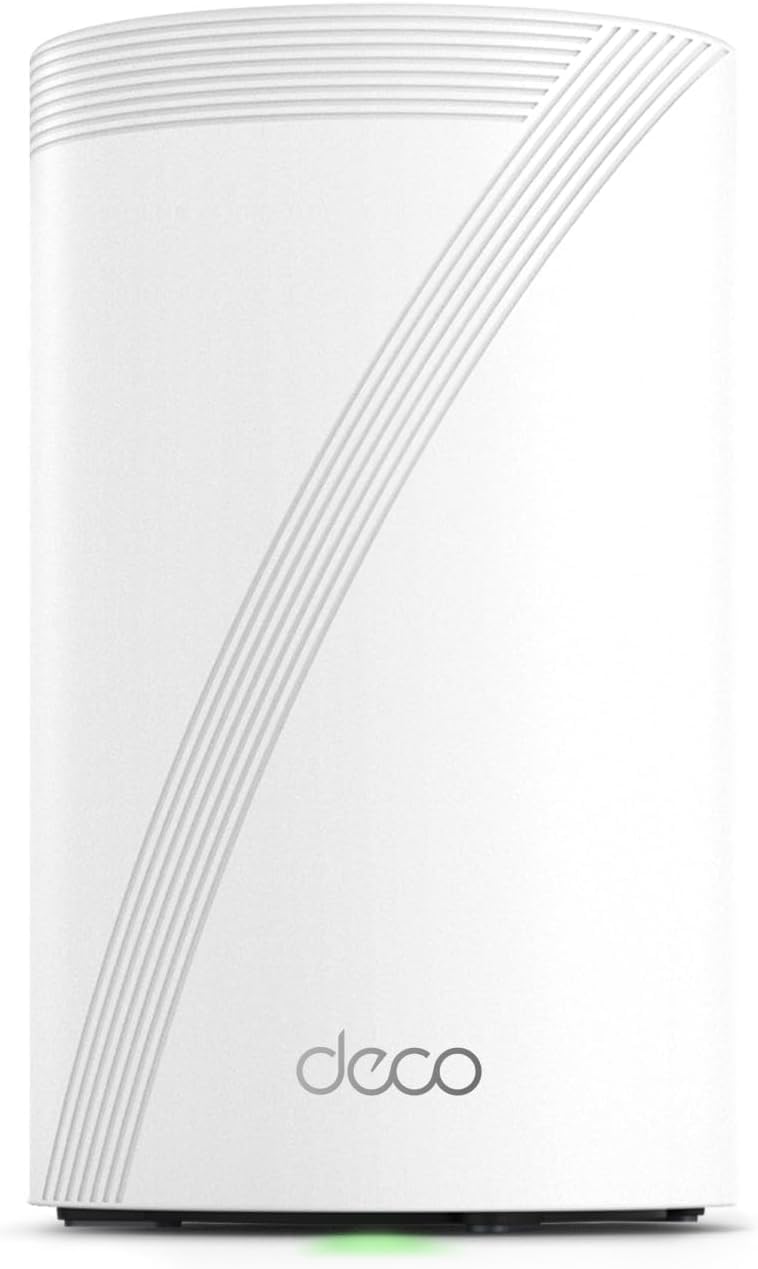
Best Overall (Deco): TP-Link Deco BE63 1-Pack
The TP-Link Deco BE63 1-pack is the practical Deco add-on: BE10000 tri-band Wi-Fi 7 with a real 6 GHz radio, four 2.5GbE ports for wired backhaul, and a single unit that joins an existing Deco mesh. It is the buy when one more room needs Deco coverage without paying for a BE65-class 3-pack.
✓ Pros
- ✓ True tri-band Wi-Fi 7 with dedicated 6 GHz
- ✓ Four 2.5GbE ports ready for wired backhaul
- ✓ Sold as a clear 1-pack for Deco owners
✕ Cons
- ✕ Deco-only mesh (not a cross-brand EasyMesh free-for-all)
- ✕ App-centric setup (no traditional web UI)
- ✕ Overkill if you only need dual-band coverage for IoT
Who it is for: households already on Deco Wi-Fi 7 (or ready to grow a Deco system) who need one more node with multi-gig ports. Who should skip it: Orbi or eero owners, and anyone who only needs a cheap dual-band filler (see BE25).
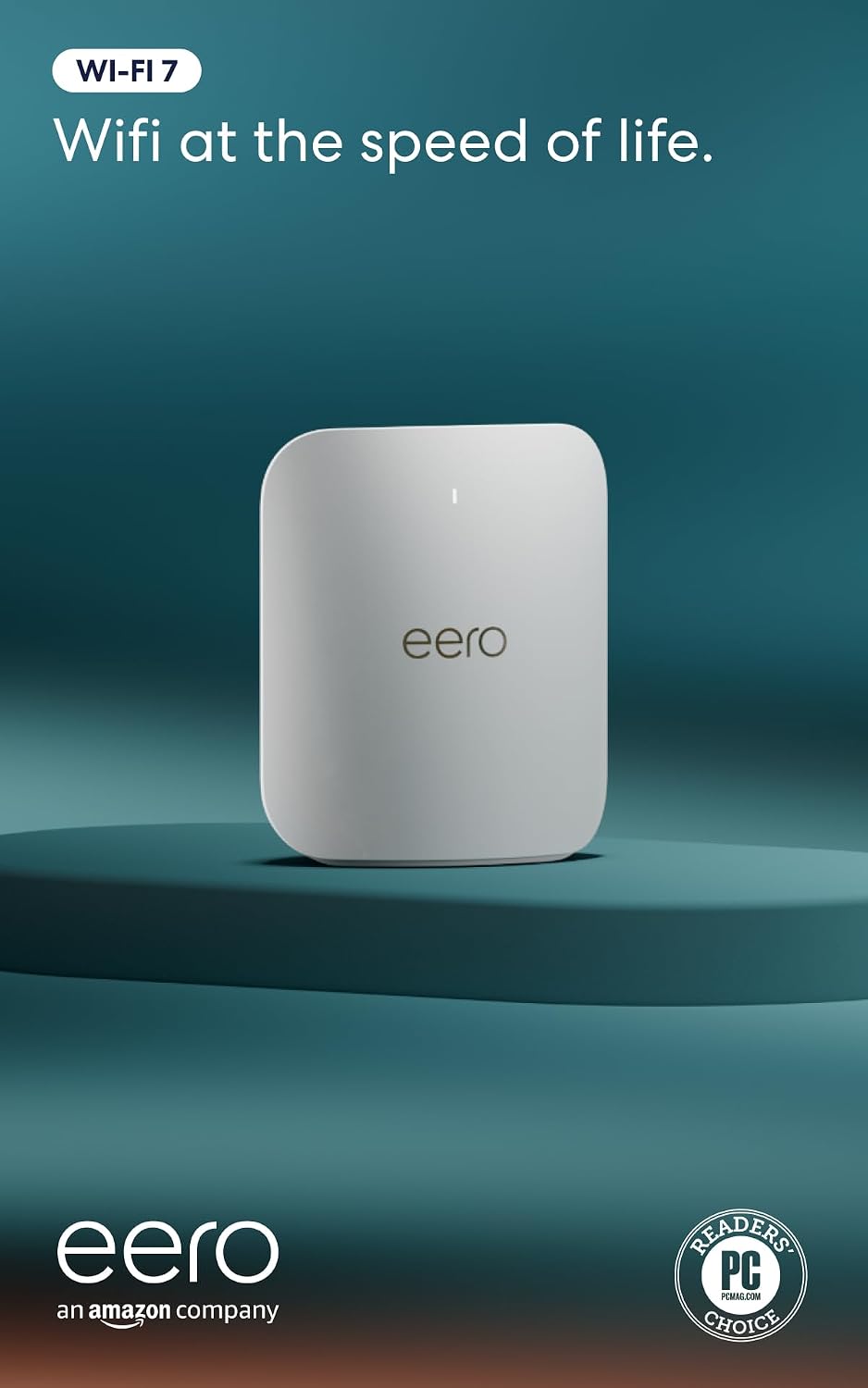
Best for eero: Amazon eero Pro 7 1-Pack
The Amazon eero Pro 7 1-pack is the eero add-on that keeps tri-band Wi-Fi 7 with 6 GHz and dual auto-sensing 5GbE ports. It joins existing eero networks (including older generations) and is the right single unit when the weak room deserves Pro-class radios, not a dual-band eero 7.
✓ Pros
- ✓ Tri-band Wi-Fi 7 with 6 GHz and MLO
- ✓ Dual 5GbE ports for multi-gig wired backhaul
- ✓ Mixes into existing eero meshes with simple app setup
✕ Cons
- ✕ Street price sits above dual-band eero 7
- ✕ Optional eero Plus is not required for basic mesh
- ✕ Coverage claims assume sensible placement, not one node for a mansion
Best for eero homes on multi-gig fiber or cable that need one more Pro node. Skip if a dual-band eero 7 already covers the dead spot on a budget.
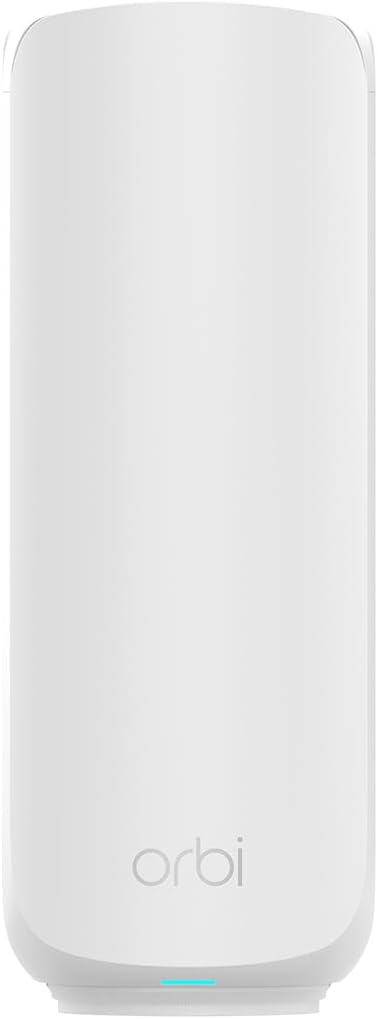
Best Flagship Satellite: NETGEAR Orbi 970 Add-On
The NETGEAR Orbi 970 RBE970 add-on is a true satellite SKU: one Orbi 970 unit for existing RBE971/972/973 systems, with quad-band Wi-Fi 7, dedicated backhaul, and 10GbE-class wired options. It is the flagship path when the house already paid for Orbi 970 and needs another 3,300 sq ft class lobe.
✓ Pros
- ✓ Explicit add-on satellite for Orbi 970 systems
- ✓ Quad-band Wi-Fi 7 with dedicated backhaul story
- ✓ Multi-gig Ethernet ports for wired satellite links
✕ Cons
- ✕ Compatible only with Orbi 970 series (not 370/770)
- ✕ Flagship street price (~$800 class)
- ✕ Overkill for a single guest-room dead zone
Best for large Orbi 970 homes adding a basement, wing, or detached office. Skip if you own Orbi 370 (buy the 370 satellite instead) or any non-Orbi mesh.
Best Budget Deco: Deco BE25 1-Pack
The TP-Link Deco BE25 1-pack is Best Budget with an honest label: dual-band Wi-Fi 7 (BE5000), no 6 GHz radio, two 2.5GbE ports, and a low street price for one more Deco node. Fine for IoT floors and light rooms. Wrong if the goal of the add-on is clean 6 GHz.
✓ Pros
- ✓ Low street price for a Wi-Fi 7 Deco 1-pack
- ✓ Dual 2.5GbE ports for wired backhaul when needed
- ✓ Joins the broader Deco mesh family
✕ Cons
- ✕ Dual-band only: no 6 GHz
- ✕ Easy to confuse with tri-band BE63/BE65 in search results
- ✕ Not the pick when 6 GHz clients are the reason to expand
Buy this when Deco coverage is the goal and the budget is hard-capped. Spend up to the BE63 when tri-band and 6 GHz matter.
Best Value Orbi Add-On: Orbi 370 Satellite
The NETGEAR Orbi 370 RBE370 add-on is the affordable Orbi satellite: dual-band Wi-Fi 7, adds about 2,000 sq ft, and only works with Orbi 370 systems (RBE371/372/373). It is the correct SKU when the living-room Orbi 370 kit is fine and one more room is not.
✓ Pros
- ✓ Explicit Orbi 370 add-on satellite (not a full kit)
- ✓ Dual-band Wi-Fi 7 at a mid-tier street price
- ✓ Simple Orbi app join for existing 370 owners
✕ Cons
- ✕ Orbi 370 only (will not join Orbi 970)
- ✕ Dual-band: no 6 GHz / quad-band flagship path
- ✕ Frequently returned when buyers ignore series lock-in
Best for Orbi 370 homes filling one dead zone. Skip if your router is Orbi 970 (buy RBE970) or a different brand entirely.
Best Budget eero: Amazon eero 7 1-Pack
The Amazon eero 7 1-pack is the cheap eero expander: dual-band Wi-Fi 7, dual 2.5GbE, and TrueMesh join into any eero network. Label it honestly (no 6 GHz) and use it when Pro 7 pricing is not worth it for a laundry-room lobe.
✓ Pros
- ✓ Lowest common eero Wi-Fi 7 1-pack street price
- ✓ Dual 2.5GbE and mixes with older eero nodes
- ✓ Simple app expand for existing eero homes
✕ Cons
- ✕ Dual-band only: no 6 GHz radio
- ✕ Less headroom than Pro 7 for multi-gig wireless peaks
- ✕ Still an eero-only mesh path
Best for eero owners who need coverage, not Pro-class radios. Skip when the far room is a multi-gig office (buy Pro 7 instead).
Comparison
| Node | Vendor fit | Bands | Wired highlights | Best use | Street price |
|---|---|---|---|---|---|
| Deco BE63 1-pack | Deco mesh | Tri-band Wi-Fi 7 (6 GHz) | 4x 2.5GbE | Best overall Deco add-on | ~$200 |
| eero Pro 7 1-pack | Any eero | Tri-band Wi-Fi 7 (6 GHz) | 2x 5GbE | Best eero Pro add-on | ~$270 |
| Orbi 970 RBE970 | Orbi 970 only | Quad-band Wi-Fi 7 | 10G + 2.5G class | Flagship Orbi satellite | ~$800 |
| Deco BE25 1-pack | Deco mesh | Dual-band Wi-Fi 7 | 2x 2.5GbE | Budget Deco filler | ~$130 |
| Orbi 370 RBE370 | Orbi 370 only | Dual-band Wi-Fi 7 | Multi-gig LAN | Value Orbi satellite | ~$150 |
| eero 7 1-pack | Any eero | Dual-band Wi-Fi 7 | 2x 2.5GbE | Budget eero filler | ~$155 |
The Bottom Line
Stay on the mesh you already trust. Deco owners should start with the Deco BE63 1-pack (or the BE25 when dual-band is enough). eero homes should add an eero Pro 7 for tri-band rooms or an eero 7 for cheap coverage. Orbi owners must match series: RBE970 for 970 systems, RBE370 for 370 systems. Prefer wired backhaul whenever the far room matters, and use the mesh explainer plus far-side internet guide before replacing a healthy kit. For single-router Wi-Fi 7 instead of mesh add-ons, go back to Best Wi-Fi 7 Routers in 2026.


