



Most "4K HDMI" USB-C sticks quietly mean 4K at 30 Hz. That is fine for slides. It is soft for video calls, scrolling a 4K monitor, or watching anything that expects 60 Hz. This roundup only keeps USB-C to HDMI cables and adapters that advertise 4K60, plus one DisplayLink dual-HDMI brick for hosts that cannot drive a second native external display. It is not a multi-port hub list (Best USB-C hubs with HDMI 4K60 under $80) and not a Thunderbolt dock guide (Best Thunderbolt 5 docks).
Best overall USB-C to HDMI cable
The Anker USB-C to HDMI Cable (4K@60Hz, 6 ft) is the default desk and bag cable: unidirectional USB-C source to HDMI sink, clear 4K60 claim, and a brand with easy returns when a host port turns out to be charge-only. Use it when the laptop, tablet, or phone already supports DisplayPort Alt Mode and you want one cable to a TV or monitor.
✓ Pros
- ✓ Explicit 4K@60Hz Alt Mode cable in a useful 6 ft length
- ✓ Strong review volume and Anker support path
- ✓ Simple plug-and-play when the host port outputs video
✕ Cons
- ✕ Video only; no Power Delivery or USB data on the same cable
- ✕ Useless on charge-only USB-C ports
- ✕ Shorter than living-room 10 ft runs
Who it is for: MacBook, Windows USB-C laptops, iPad Pro/Air, and phones with desktop/Dex video out that need a reliable 6 ft HDMI run. Skip if the host cannot do Alt Mode video, or if you need dual external 4K60 beyond native GPU limits (see Plugable below).
Best value USB-C to HDMI cable
The uni USB-C to HDMI Cable 6 ft (4K@60Hz) hits the same Alt Mode 4K60 job at a lower street price. Keep it as a spare in the bag or as the cable you leave attached to a hotel TV HDMI port.
✓ Pros
- ✓ 4K@60Hz claim at a budget street price
- ✓ 6 ft length covers most desk and TV stand distances
- ✓ Lightweight enough to leave in a travel pouch
✕ Cons
- ✕ Brand support is thinner than Anker or Cable Matters
- ✕ Still requires a true video-capable USB-C port
- ✕ No charging passthrough
Best for spare cables and price-sensitive kits. Step up to Anker when you want the safer return path.
Best compact USB-C to HDMI adapter
When you already have a short High Speed HDMI cable at the display, the Cable Matters Aluminum USB-C to HDMI Adapter is the tiny Alt Mode dongle: aluminum shell, short USB-C pigtail, up to 4K@60Hz plus 1440p high-refresh when host and panel agree, and HDR when the whole chain supports it.
✓ Pros
- ✓ Compact aluminum adapter that pairs with any HDMI cable you already own
- ✓ 4K@60Hz and 1440p high-refresh claims on capable hosts
- ✓ Low street price for a Cable Matters build
✕ Cons
- ✕ No PD or data; video only
- ✕ Needs a separate HDMI cable to the display
- ✕ Still blocked by charge-only USB-C ports
Who it fits: conference rooms and desks that keep an HDMI cable on the monitor. Prefer a full male-to-male cable (Anker / uni / UGREEN) when you want one piece with no extra HDMI cord.
Best long USB-C to HDMI cable
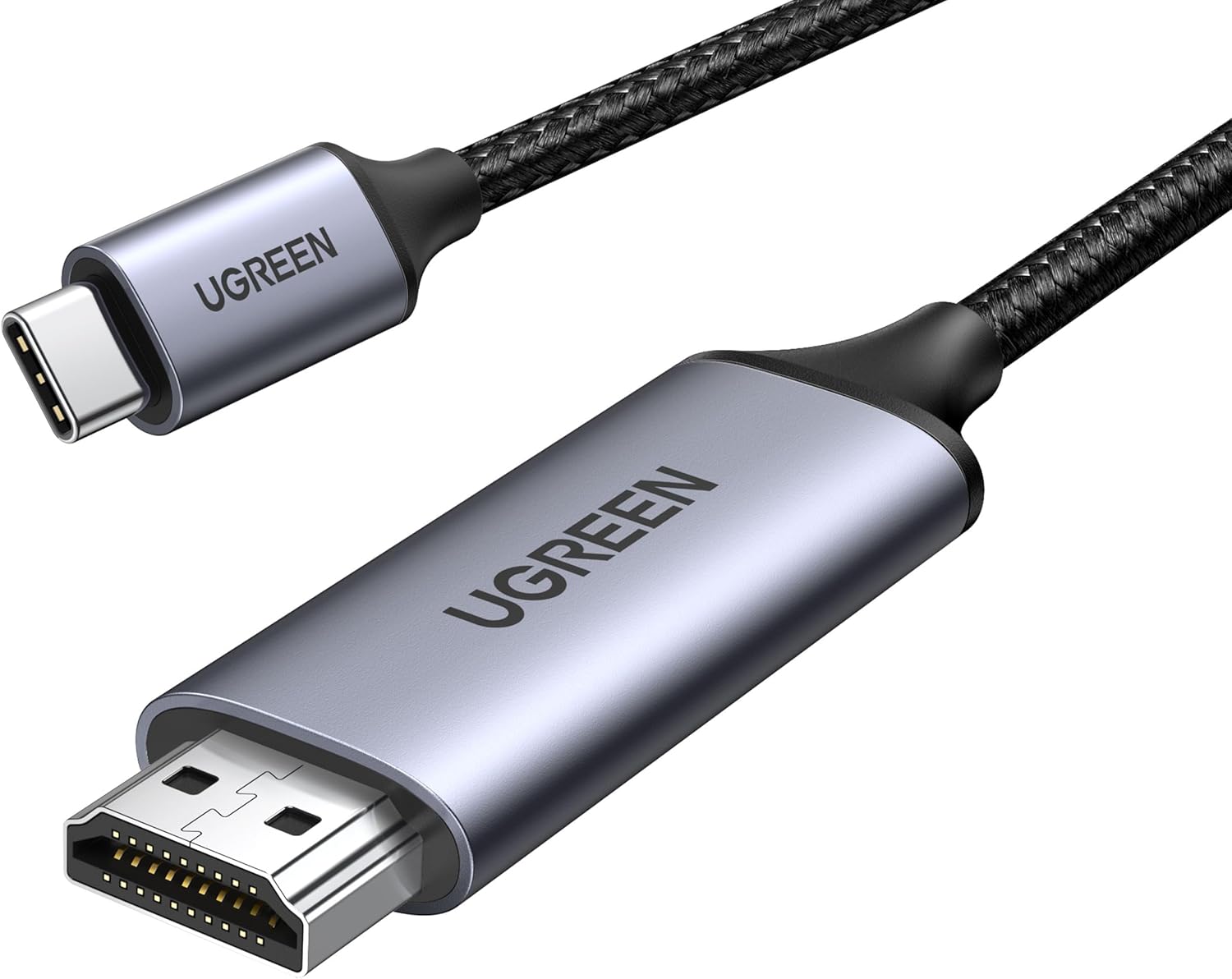
For couch casting, hotel TVs, and monitors across a deep desk, the UGREEN USB-C to HDMI Cable 10 ft (4K@60Hz) is the long Alt Mode run: braided jacket, aluminum shells, and a clear 4K60 claim without forcing a wireless stick.
✓ Pros
- ✓ 10 ft reach for TV stands and deep desks
- ✓ Explicit 4K@60Hz Alt Mode cable with huge review volume
- ✓ Braided build that survives bag clutter better than thin PVC
✕ Cons
- ✕ Longer cables are bulkier to pack than a 6 ft Anker or uni
- ✕ Still unidirectional video only (no charge)
- ✕ Confirm Alt Mode on phones; many budget Androids lack video out
Best for living-room and classroom distances. Stay at 6 ft when the display sits on the same desk.
Best DisplayLink dual HDMI adapter
Native Alt Mode cannot invent GPU display pipes your chip does not have. On many base Apple silicon MacBooks that only drive one external display natively, the Plugable USBC-6950M adds two HDMI outputs at up to 4K60 each via DisplayLink. Install DisplayLink Manager on Mac, allow Screen Recording (pixels are not stored; macOS uses that permission for USB displays), and treat it as a productivity extender, not a movie dongle.
✓ Pros
- ✓ Dual 4K60 HDMI from one USB-C / Thunderbolt / USB4 port
- ✓ Documented path past single-external limits on many M-series Macs
- ✓ Strong Plugable support docs for Mac and Windows fleets
✕ Cons
- ✕ DisplayLink driver required on Mac; setup is more than plug-and-play
- ✕ No HDCP for Netflix and similar apps on the attached screens
- ✕ Runs warm; no PD charging or USB data ports on the adapter
Who it is for: Mac and Windows desks that need two external HDMI monitors for spreadsheets, docs, and calls. Skip for HDR movie nights or competitive gaming; use Alt Mode cables or a real Thunderbolt dock instead. Dual-monitor laptop framing also lives at Set up dual external monitors on a laptop.
Comparison
| Product | Form | Path | Max claim | Length / ports | Street class |
|---|---|---|---|---|---|
| Anker USB-C to HDMI | Cable | Alt Mode | 4K60 | 6 ft | ~$20 |
| uni USB-C to HDMI | Cable | Alt Mode | 4K60 | 6 ft | ~$14 |
| Cable Matters adapter | Dongle | Alt Mode | 4K60 / 1440p hi-refresh | Pigtail + your HDMI | ~$15 |
| UGREEN USB-C to HDMI | Cable | Alt Mode | 4K60 | 10 ft | ~$24 |
| Plugable USBC-6950M | Adapter | DisplayLink | Dual 4K60 HDMI | 2x HDMI | ~$120 |
The Bottom Line
Start with the Anker 6 ft 4K60 cable for everyday Alt Mode desks, keep the uni 6 ft cable as the budget spare, grab the Cable Matters adapter when the monitor already has HDMI attached, stretch to the UGREEN 10 ft cable for TV distance, and only buy the Plugable USBC-6950M when you need DisplayLink dual HDMI beyond native GPU limits.
Want HDMI plus Ethernet and PD in one stick? See Best USB-C hubs with HDMI 4K60 under $80. Need a permanent single-cable desk? Jump to Best Thunderbolt 5 docks.


