A 2.5GbE desk run is not a new ISP plan. It is a short wired hop that lets a laptop, a desktop, or a NAS talk above Gigabit on the LAN, even when the router uplink is still 1G.
This method is a shopping list that stays mutually compatible: a USB-C 2.5Gb adapter for the laptop, Cat6 so the cable is not the bottleneck, a small unmanaged 2.5G switch when the router only has 1G ports, and an optional PCIe card for a desktop that should stay permanently wired. For the term itself, start at 2.5GbE explained.
What You Need
This is one compatible kit, not a mix-and-match list. Every item is a real Amazon US listing. The Cable Matters USB-C adapter is the laptop path. The TL-SG105-M2 is the fabric when the router cannot speak 2.5G. Cat6 closes the cable gap. The TX201 is the permanent desktop alternative to the dongle.
Cable Matters USB C to 2.5Gb Ethernet Adapter
The laptop half of the kit. USB-C in, RJ45 out, Realtek-class 2.5G silicon that does not need a chassis open. Pair it with Cat6 and a multi-gig switch or router port.
TP-Link TL-SG105-M2 5-Port 2.5G Switch
Skip this only if the router already has a 2.5G LAN port you can use. Otherwise this unmanaged five-port box is the shared fabric so a NAS and a desk NIC can talk at 2.5G even while the WAN side stays Gigabit.
Cable Matters Snagless Cat 6 (10 ft, 5-Pack)
Cat5e can limp to 2.5G on short runs, but Cat6 removes the cable as a variable. A five-pack covers the desk, the NAS, and a spare without another order.
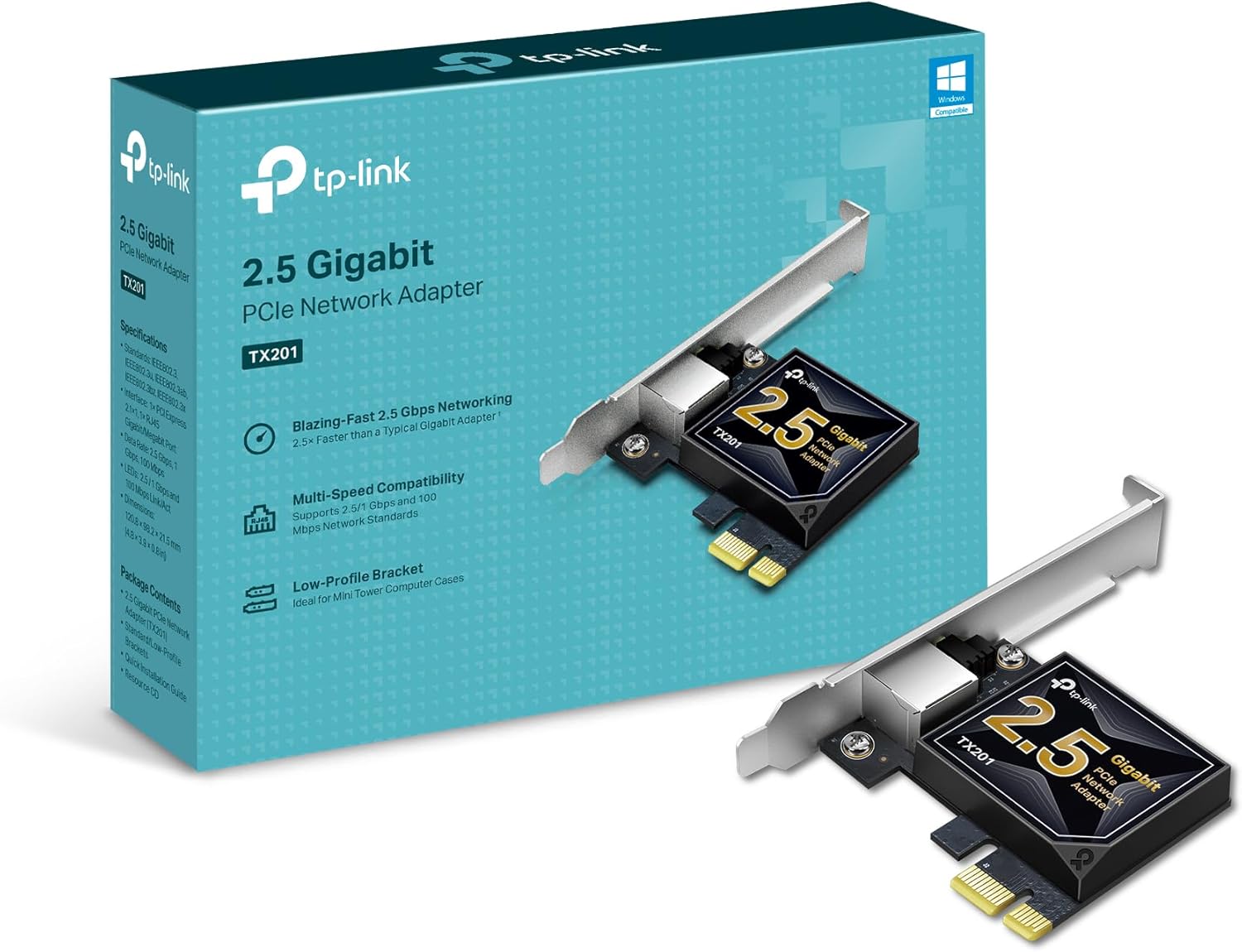
TP-Link TX201 2.5G PCIe Network Card (desktop path)
Optional. Use this instead of the USB-C dongle when the machine is a desktop with a free PCIe slot and you want a permanent NIC. Still needs Cat6 and the same switch logic.
What It Costs
Roughly $75 to $150 for the laptop path (adapter + Cat6 pack + TL-SG105-M2). Swap the dongle for the TX201 on a desktop and the NIC side costs a few dollars less. Skip the switch if the router already exposes a 2.5G LAN port.
Step-by-Step Setup
- Confirm the client path. Laptop: seat the Cable Matters USB-C adapter. Desktop: install the TX201 in a free PCIe slot and install the current Realtek/TP-Link driver if Windows does not auto-load 2.5G.
- Pull Cat 6 from the NIC to either a true 2.5G router LAN port or to a port on the TL-SG105-M2.
- If the router is 1G-only, uplink one switch port to the router with Cat6, then land the desk NIC (and the NAS, if any) on other switch ports. The multi-gig conversations stay on the switch fabric.
- Power the switch, wait for link lights, then check the OS. macOS: System Settings → Network → the Ethernet interface → Details and look for 2500baseT / 2.5 Gbps. Windows:
Get-NetAdapter | Select Name, LinkSpeed. Linux:ethtool eth0and look for Speed: 2500Mb/s. - Run a LAN speed test to a wired peer on the same switch (iperf3 or a large SMB copy). Do not use a speedtest.net result to judge a LAN upgrade.
Mistakes to Avoid
Bottom line
For a laptop desk, the Cable Matters USB-C adapter plus Cat6 plus the TL-SG105-M2 (when the router is 1G) is the complete path. Desktops swap the dongle for the TX201. Confirm 2.5 Gbps in the OS before chasing WAN myths, and keep 2.5GbE explained handy for the term itself.