

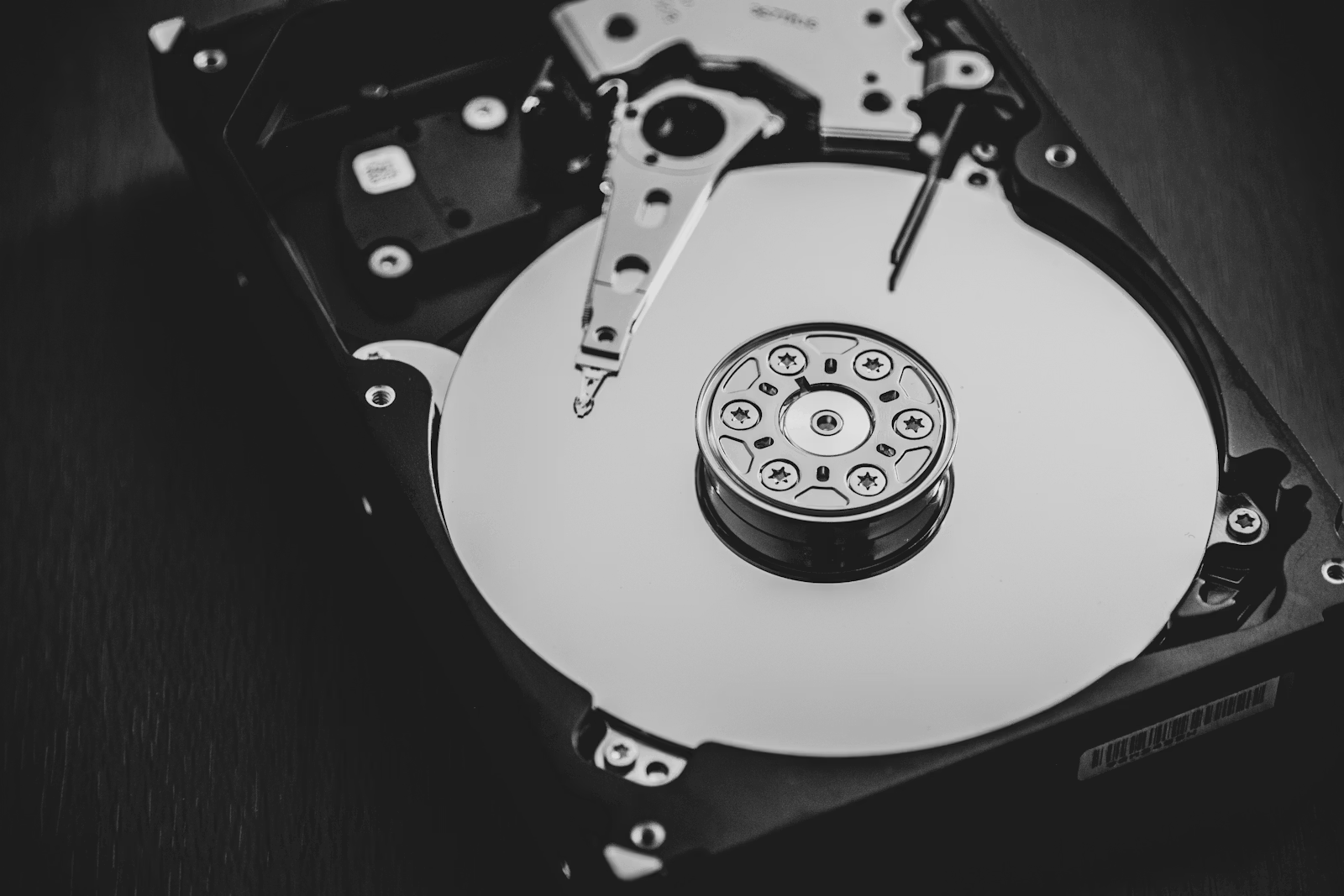

RAID (a redundant array of independent disks) joins two or more hard drives together so that your files survive when one of those drives dies. If you are about to buy a NAS or any multi-drive enclosure, you will hit this decision on day one, and the marketing around it is far more confusing than the idea deserves. Network storage itself is covered in the NAS explainer; this piece unpacks the one paragraph that article had to gloss over.
What Is RAID, Really
RAID is a mounted spare tire for your data: when a drive blows out, you keep driving instead of losing everything on the shoulder. In plain terms, your NAS spreads copies (or recovery math) across multiple drives, so the death of any one drive costs you nothing but the price of a replacement.
Here is the everyday version. Imagine a filing cabinet with a photocopier bolted to it: every page you file gets instantly copied into a second, identical cabinet. If cabinet one burns out its hinges, you slide over to cabinet two and keep working. That is RAID 1, the mirror, and it is the version most home users should start with.
The word "array" just means the group of drives working as one. Your computer sees a single big drive; the NAS handles the copying behind the scenes, in real time, with no effort from you after setup.
How It Works
There are only three arrangements a first-time buyer needs to understand, and each trades usable space for safety in a different way. This guide deliberately skips the exotic levels; they matter to businesses, not to a 2-bay or 4-bay home NAS.
RAID 1: the mirror
Two drives hold identical copies of everything, all the time. Two 8TB drives give you 8TB of usable space, not 16TB, because the second drive is a full duplicate. One drive can die and you lose nothing; you pop in a replacement and the NAS copies everything back over. It is the simplest setup, the easiest to recover from, and the reason 2-bay NAS units exist.
RAID 5: striping with parity
Three or more drives share the data plus recovery information called parity (a mathematical fingerprint that can rebuild any one missing drive). Four 12TB drives give you 36TB usable, and any single drive can fail. The catch: after a failure, the rebuild reads every remaining drive end to end for hours, which is the most stressful thing you can do to old drives. That is why drive quality matters more in RAID 5 than anywhere else, and why some buyers with four or more large drives choose RAID 6's extra parity drive instead.
SHR-style flexible arrays
Synology's SHR and similar flexible schemes (TerraMaster's TRAID, and others) are RAID with the strict rules loosened. Classic RAID treats every drive as if it were the size of the smallest one; a flexible array lets you mix a 4TB and two 8TB drives and still use most of the space, and lets you grow by swapping drives one at a time. If you expect to expand piecemeal instead of buying all drives up front, this is the practical choice, and it still survives one drive failure.
| Setup | Example drives | Usable space | Survives | Best for |
|---|---|---|---|---|
| RAID 1 (mirror) | 2 x 8TB | 8TB | 1 drive failure | First NAS, 2-bay units |
| RAID 5 (parity) | 4 x 12TB | 36TB | 1 drive failure | 4-bay media libraries |
| SHR-style flexible | 4TB + 8TB + 8TB | ~12TB | 1 drive failure | Growing a NAS over time |
Who Actually Needs One
If you are buying a NAS with two or more bays, you need RAID; if all your data fits comfortably on one drive, you probably do not. The honest segmentation looks like this.
You need RAID if:
- You are setting up a NAS as the primary home for family photos, documents, or a media library, and downtime or data loss would genuinely hurt.
- Multiple people or machines depend on the storage being available every day.
- Your data has outgrown what a single affordable drive can hold.
You do not need RAID if:
- Your important data fits on one drive. Two rotating external drives, or one external drive plus a cloud sync, gives you actual backup for less money than a mirror gives you uptime.
- The data is easily re-downloadable (a Steam library, ripped media you still own on disc). Redundancy on replaceable data is money spent protecting nothing.
- You want speed. RAID on spinning drives will not make your network storage faster in any way a home user notices; a single good SSD beats it every time.
What to Look For
Shop for NAS-rated CMR drives, in matching pairs, and plan to test them before trusting them. Here is the whole checklist:
- CMR recording, not SMR. CMR (conventional magnetic recording) writes data in clean separate tracks; SMR overlaps tracks to cut cost and can slow to a crawl during RAID rebuilds. Every drive in this article is CMR.
- A NAS or 24/7 rating. Desktop drives are built for eight-hour days. NAS drives add vibration tolerance for multi-drive enclosures and are rated for continuous operation.
- Workload rating. Expressed in TB per year (how much reading and writing the drive is designed for annually). 180 TB/yr covers home use easily; 550 TB/yr is enterprise headroom.
- Warranty length. Three years is the floor, five is better, and it tells you how long the maker expects the drive to live.
- Identical drives for a mirror. Same capacity at minimum, same model ideally, so neither drive wastes space or drags the pair down.
- A burn-in test before array use. Both drives below have owner reviews complaining about thin retail packaging, so run a full SMART surface scan on arrival before you build the array.
The Best NAS Drives You Can Buy Right Now
Both picks are current Amazon best sellers pulled in July 2026, both are CMR, and either pair makes a textbook first mirror. The honest caveat up front: the industry-wide HDD shortage has both selling at roughly double their 2024 prices.
Western Digital 8TB WD Red Plus: the default first mirror
Buy two of these, drop them in a 2-bay NAS as RAID 1, and you have 8TB of drive-failure-proof storage that you can forget about. The WD Red Plus 8TB(western-digital-wd-red-plus-8tb-nas-internal-hard-drive-wd80) spins at 5,640 RPM, which is exactly why we recommend it for living spaces: it runs quieter and cooler than 7,200 RPM rivals, and its 215 MB/s sustained transfer still saturates any gigabit or 2.5GbE home network. It carries a 180 TB/yr workload rating, an 8-bay NAS rating, and a 4.3-star average across 3,616 ratings.
The most common real-buyer complaint is not the drive, it is the shipping: reviewers repeatedly describe drives arriving loose in thin padding, and the standard advice is a full SMART surface test before trusting one in an array. That is an evening of unattended waiting, annoying if you want the NAS running tonight, irrelevant if you plan a proper burn-in anyway. A few owners also report a soft idle click every few seconds from head parking; in a closet you will never hear it, on a bedroom shelf you might. The 3-year warranty trails the IronWolf Pro's five, which is the real cost of the lower price.
Seagate IronWolf Pro 12TB: the capacity step up
If you already know the library will grow fast, mirror two of these instead and skip next year's upgrade. The IronWolf Pro 12TB(seagate-ironwolf-pro-12tb-enterprise-nas-internal-hdd-st1200) is the current #1 best seller in internal hard drives, spins at 7,200 RPM, and moves up to 270 MB/s, which noticeably shortens the one operation where speed truly matters in RAID: the rebuild after a failure. The endurance numbers are enterprise grade (550 TB/yr workload, 2,500,000-hour MTBF, rotational vibration sensors), and the 5-year warranty comes with 3 years of Seagate Rescue data recovery, something WD does not match at this tier.
The most repeated owner complaint is noise: audible seek clunks and a louder idle than the WD Red Plus, called out on Amazon and in Synology community threads. In an office or closet it disappears; on a shelf near where you sleep or watch TV, it will bother you, and the WD is the better pick. The 7,200 RPM platters also run warmer, which matters in small fanless enclosures. Same packaging caveat applies: a share of 1-star reviews report poorly packed or DOA units, so burn it in before array use.
| Attribute | WD Red Plus 8TB NAS Internal Hard Drive (WD80EFPX) | Seagate IronWolf Pro 12TB Enterprise NAS Internal HDD (ST12000NT001) |
|---|---|---|
| Rating | 4.3 | 4.1 |
| Price | Not listed | Not listed |
| Capacity | 8 TB | 12 TB |
| Rotational speed | 5640 RPM | Not listed |
| Cache | 256 MB | 256 MB |
| Recording technology | CMR | CMR |
| Interface | SATA 6 Gb/s | SATA 6 Gb/s |
| Workload rating | 180 TB/yr | 550 TB/yr |
| Warranty | 3 years | 5-year limited + 3-year Rescue data recovery |
| Form factor | 3.5 inch | 3.5 inch |
| Rated NAS bays | Up to 8 | Not listed |
| Spindle speed | Not listed | 7,200 RPM |
| Sustained transfer rate | Not listed | up to 270 MB/s |
| MTBF | Not listed | 2,500,000 hours |
| Rated NAS size | Not listed | up to 24 bays |
| Buy | View on Amazon | View on Amazon |
Bottom Line
RAID answers exactly one question: what happens when a drive dies? For most first-time NAS owners the answer should be a two-drive mirror, and a pair of WD Red Plus 8TB(western-digital-wd-red-plus-8tb-nas-internal-hard-drive-wd80) drives is the quiet, boring, correct way to build it at $354.99 per drive. If you can already see 8TB filling up, spend up to two IronWolf Pro 12TB(seagate-ironwolf-pro-12tb-enterprise-nas-internal-hdd-st1200) drives and buy the headroom once. Either way, remember the rule this whole article hangs on: the mirror keeps you running when hardware fails, and a separate backup saves you from everything else. Set up both, and your data finally has a real plan.


